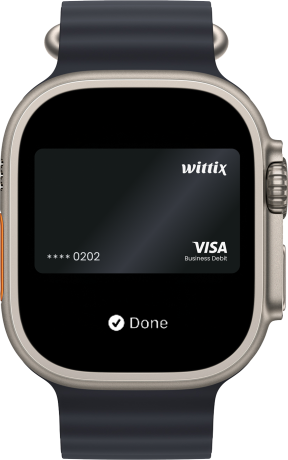
Add Your Wittix Card to Apple Pay
Manage finances effortlessly with Wittix Debit and Virtual Cards. Now with Apple Pay, enjoy fast, secure, and seamless payments.


Manage finances effortlessly with Wittix Debit and Virtual Cards. Now with Apple Pay, enjoy fast, secure, and seamless payments.
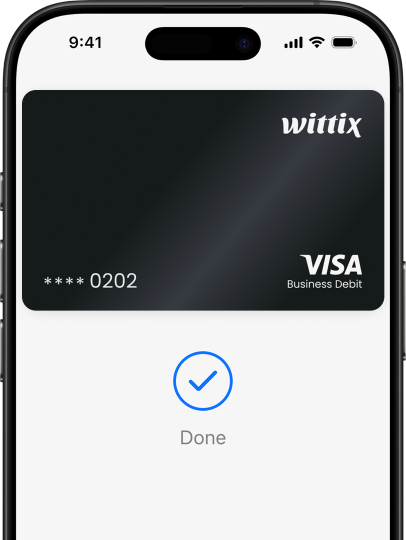

Pay quickly with Apple Pay using your iPhone, Apple Watch, iPad, or Mac—no physical card needed.
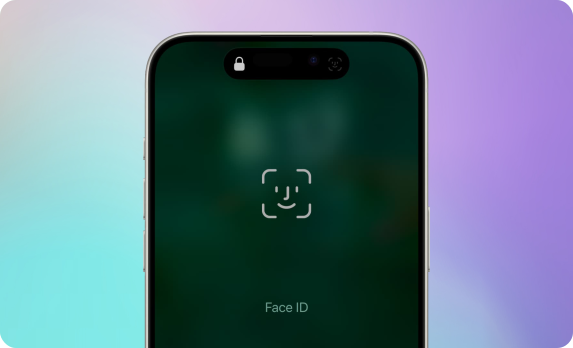
Stay protected with Face ID, Touch ID, dynamic security codes, and encrypted transactions.
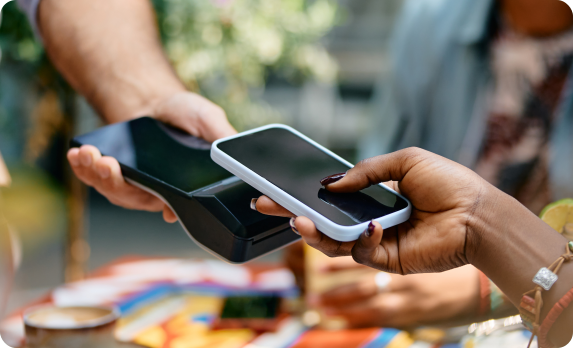
Make contactless payments in seconds—just double-click, authenticate, and tap.
Apple Pay is available on all your Apple devices, including iPhone, Apple Watch, iPad, and Mac. You can easily add your Wittix Card to Apple Pay through Apple Wallet or directly via the Wittix app for a seamless setup.
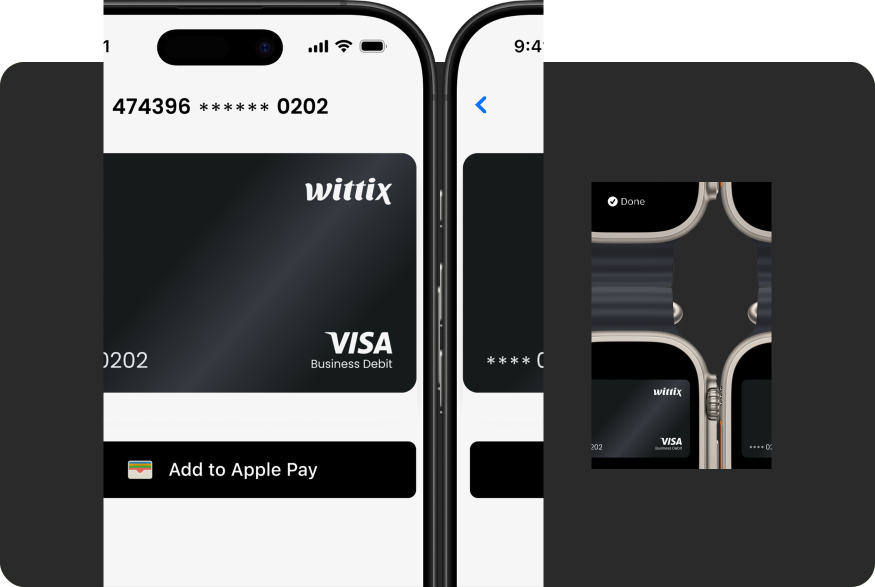
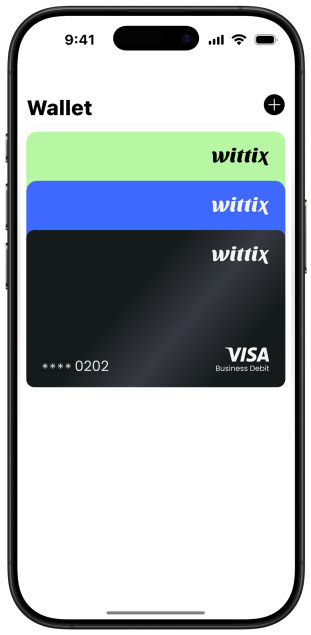

No card details. No hassle. Just tap, authenticate, done.
Double-click the side button Pick your Wittix card Hold near terminal
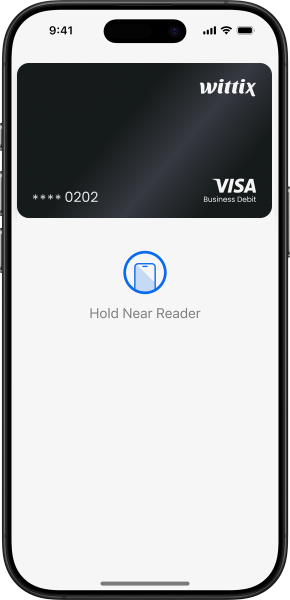
Double-click the side button Select Wittix card Authenticate Tap your iPhone at the terminal